
Secure Email with gnoppix.me
Stop compromising your privacy. Gnoppix Secure Mail brings you state-of-the-art end-to-end encryption and zero-access security, all backed by an open-source commitment to freedom.
Every day, more people are choosing to opt out of commercial providers who use their emails for AI training or simply for creating advertising profiles. Data is a digital commodity. The revenue from selling this data is then used to operate the platform.
Unlike other providers, our setup requires a few extra steps because we do not store any of your data on our servers.
Step 1 Create your Account
Section titled “Step 1 Create your Account”Visit: https://landing.gnoppix.com
A.) Enter you prefered email.
B.) Check if the address is still available.
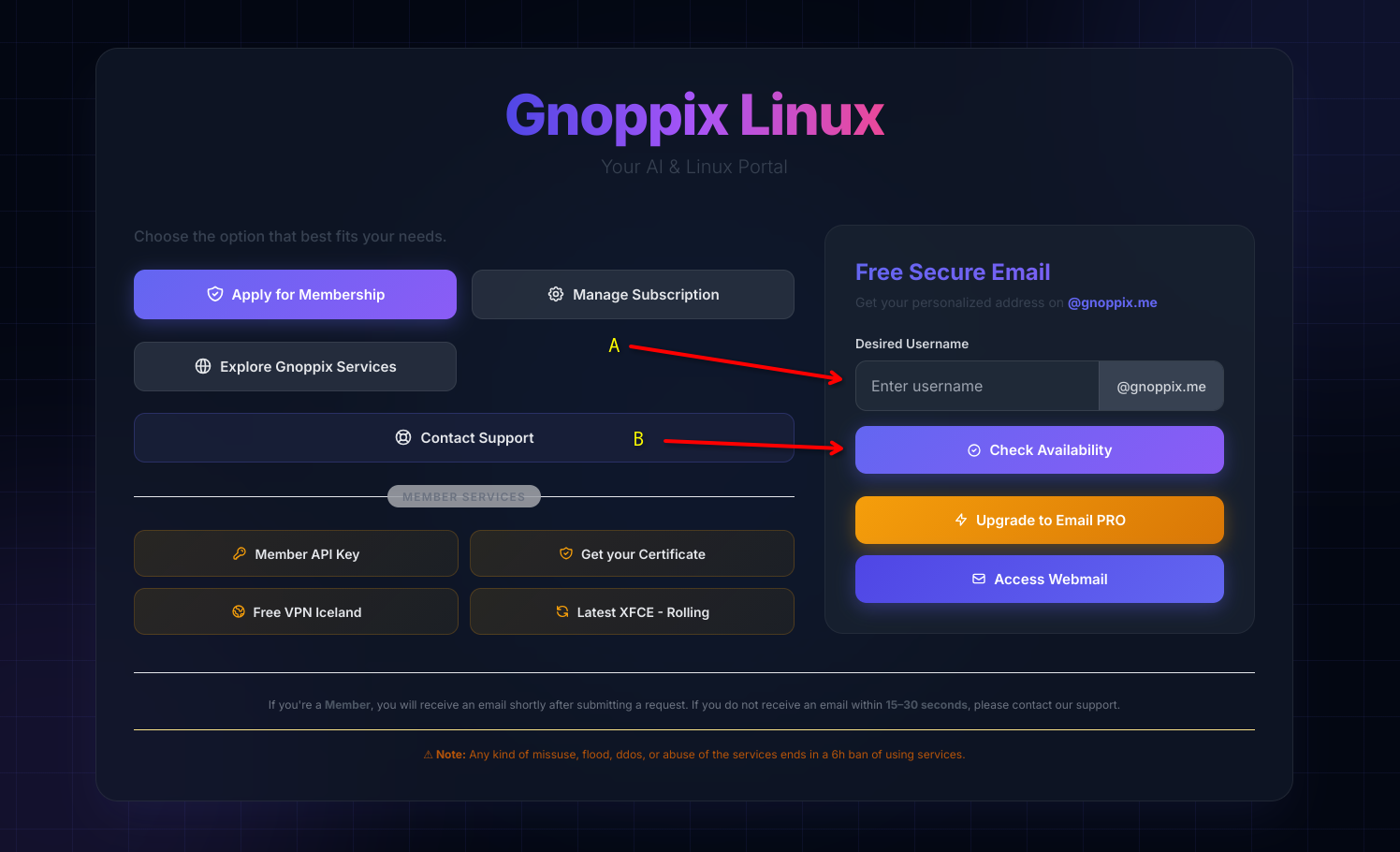
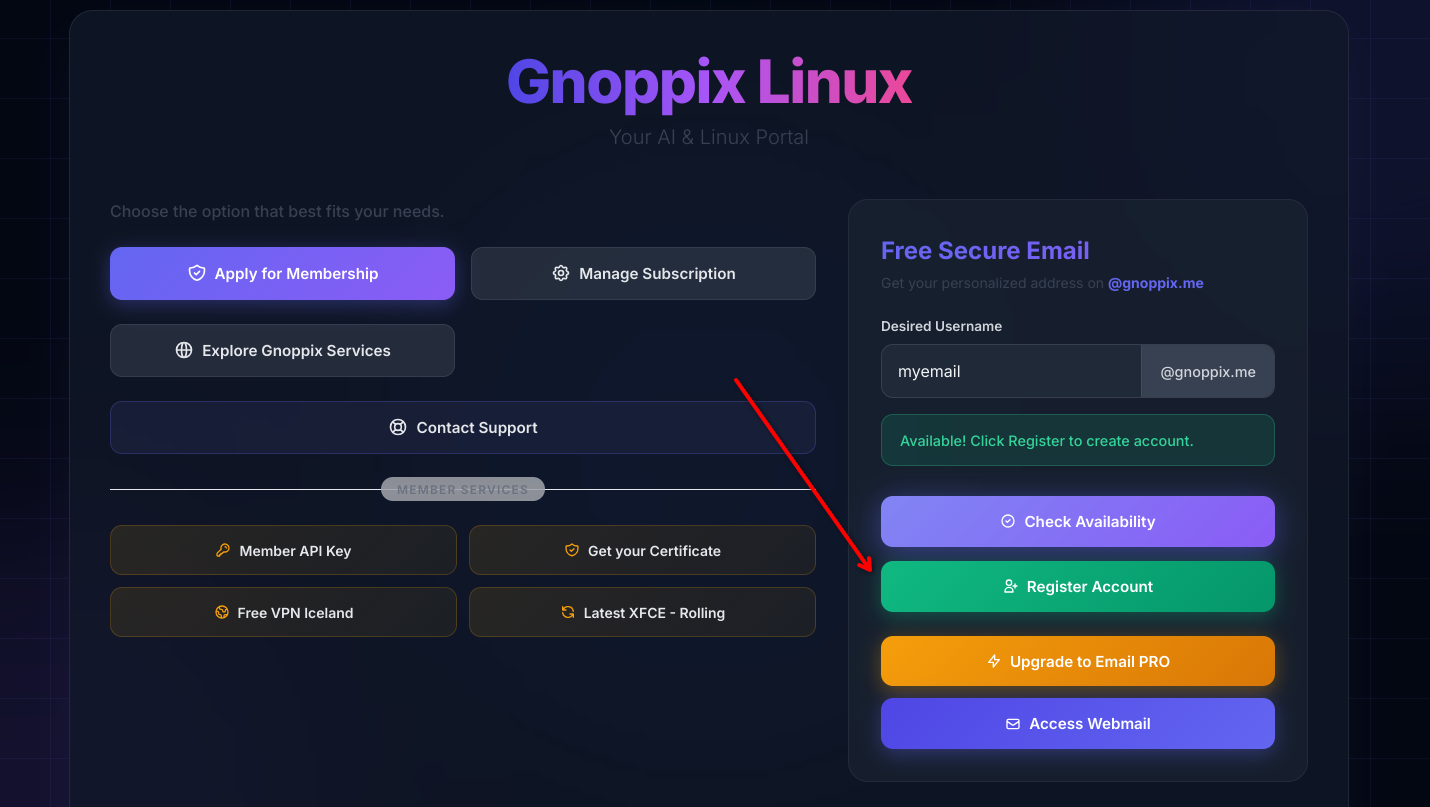
Click on Register
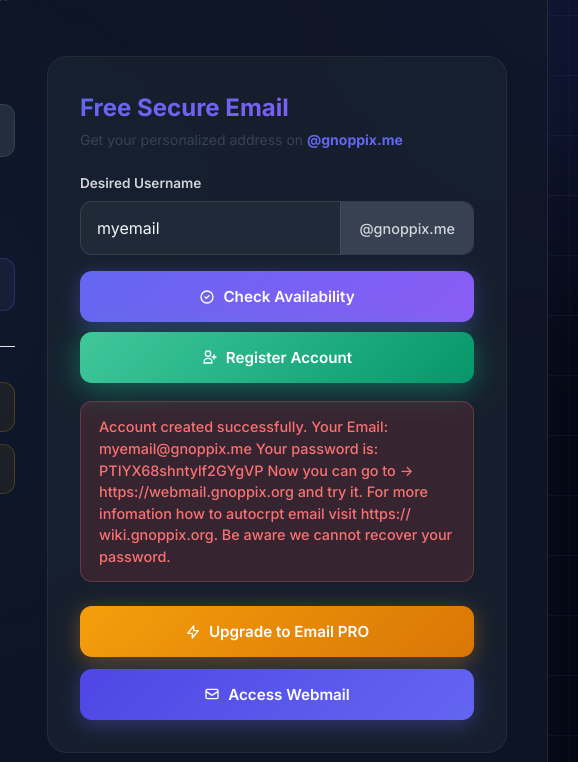
Be aware, remember this password, it appears only once.
Step 2 Crypto Keys
Section titled “Step 2 Crypto Keys”If you have already your Keys, you can skip this step. Else here is a howto create your crypto keys -> https://wiki.gnoppix.org/features/keygen/#how-it-works
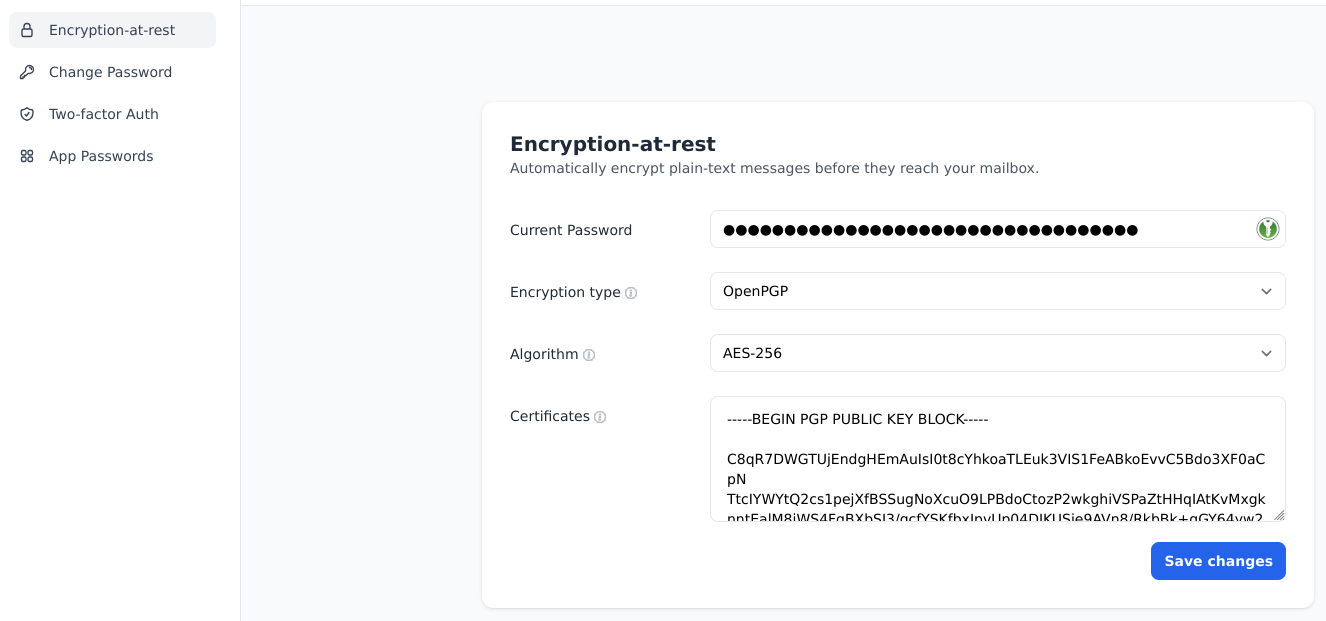
Step 3 Upload your Public Key.
Section titled “Step 3 Upload your Public Key.”Visit : https://mail.gnoppix.me
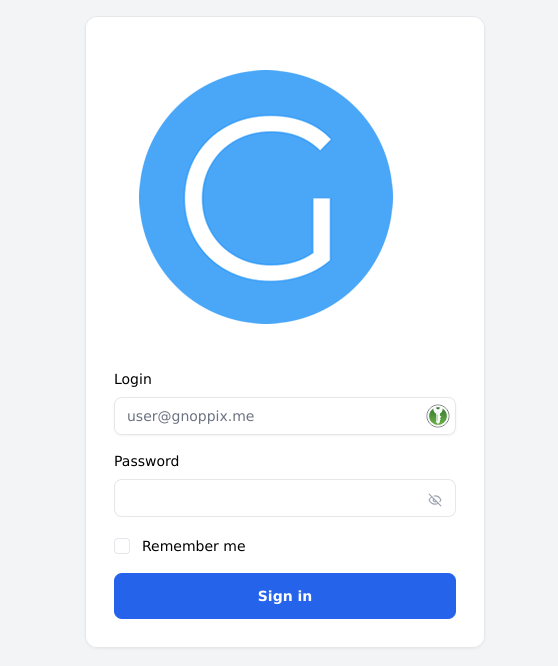
Change as follow:
Optional
Section titled “Optional”1.) Change your Password 2.) 2FA Setup - As an additional layer of security 3.) App Passwords ( only useful for PRO Users )
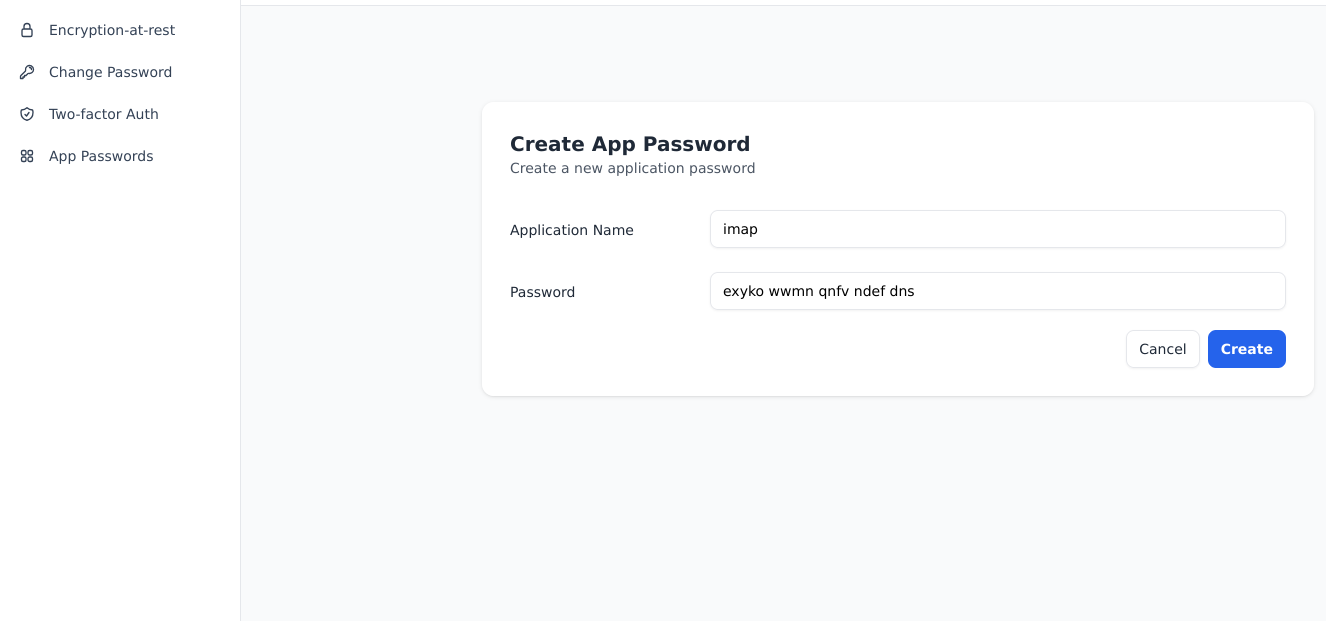
Step 4
Section titled “Step 4”Visit : https://webmail.gnoppix.org
Use your account data.
As Mail PRO User
Section titled “As Mail PRO User”Thanks to our strict no-log policy and full encryption, we don’t use traditional account tracking for Pro settings doing so would compromise your privacy. Our system knows nothing about you, and that’s exactly how it should be. If you are a new or existing user, simply contact us and let us know which account is yours.
Start your Gateway, which allows receiving and sending emails with any mail client on almost all platforms (even Windows and Android work).
Remember, if you have enabled encryption at rest, you cannot read the content without a decryption wrapper.
On BetterBird (a better Thunderbird Email Client) you have a option to import your Crypto Keys On LibreWorlf (a better Firefox Browser) we have intergrated a crypto wrapper where your key live in just your local browser.
PRO User Settings:
Section titled “PRO User Settings:”Incoming Server : Type: IMAP ServerName: mail.gnoppix.me UserName: [email protected] Connection Security : SSL/TLS Port: 993 Auth Method: Normal Password
Outgoing Server: Type: STMP ServerName: mail.gnoppix.me UserName: [email protected] Connection Security : STARTTLS Port: 587 Auth Method: Normal Password
As PRO User unlocks Custom Domain Support for your own domain and Unlimited Aliases with a catch-all for your domain.
These settings are available exclusively for PRO users. Thank you for supporting us by going PRO!
Looking for a free email option? We might launch a separate free tier in the future to help gather data for fine-tuning our AI. If enough people are comfortable with ad banners and AI email scanning, let me know—if there’s interest, I can make it happen!